Member Portal
ACH/Direct Deposit is now available for reimbursement. Get your reimbursements sent directly to your account within 2- 4 business days.
+ First Time Users
Click the REGISTER button above to get started.
User Details – Enter the following criterions to register:
- Enter Member ID (starting with 900/901) or Last 4 of SSN
- Enter First Name, then Last Name
- Enter Date of Birth (slashes not necessary)
- Click Next
- System navigates to Create Your Password step
- Create New Password and Confirm Password
- Select terms and accept the terms and conditions
- Terms and Conditions box will appear
- Click Submit
- Click Next
- Click Send Authorization code button
- Sent to user registered primary email ID
- Enter code (did not receive code, check box to skip email verification)
- Click Finish
System will display confirmation message and navigate to login page. You will receive a welcome email to the registered email address on file.
+ Already Registered
Click the SUBMIT CLAIM button above to open the Member Portal. Then:
- Click on the Login (top right) -> The Member Portal Login section appears
- Enter User Name and Password (created during registration)
- Verification email will appear if skipped during registration
- Click send Authentication code
- Click “I already have a code”
- Enter code sent via registered email address
- No code, request new code
- Click Submit
- Enter code sent via registered email address
Communications details will appear if first time logging into Member Portal:
- Update address/contact information if required.
- Click Submit
- System updates address information on member record
To submit for reimbursements, please see steps below
- Top menu Click Benefits
- Select Reimbursement Type and Employer
- Read the claim submission rules and instructions then Click Continue
- System will display the Claim Form
- Enter all required information and attach proofs (supporting documents) as required
- Click Submit
- Reimbursement claim will be submitted to the Benefit Funds Office
- You will receive an email confirmation of your submission
- Claims are processed between 7 to 10 business days
+ Advantages
- You will be able to easily update contact information as needed.
- The Member Portal streamlines the application process by automatically linking to your member and employer details so that you won’t have to enter them on each application. Based on the login information provided, the system will automatically load the applicable reimbursement claim forms.
- The proof needed for each expense submitted will be tied to the expense line itself. This will reduce the number of denials from the Fund Office for lack of proof-of-submission and decrease wait time for payments.
- The claims processing time will decrease. Checks will be mailed out faster than they have been under the old system.
- The rules and guidelines for the reimbursement type are listed on the form’s first page to help you understand what’s allowed and required.
- You will be able to easily submit claims through the browser on your desktop computer, cell phone, or tablet.
- You can take a picture from your device and upload it for proof of payment.
- Coming soon: “View Balance” – view payment information for your individual benefits.
- Coming soon: “My Messages” – communicate with the Benefits Office directly through the Member Portal.
Please note: the “View EOB” (Explanation of Benefits) option will be hidden for claims that were processed prior to going live with Member Portal registration.
Your Forms:
+ Personal Information
To keep your Member Profile up to date, please visit the Member Portal to:
- Add or update dependents*
- Update demographic information, including any address changes
- Upload any missing required documents, such as:
- Marriage Certificates
- Birth Certificates
- Adoption Certificates
*Requests to add dependents must be received within 30 days of qualifying event (birth/adoption or marriage), and you must attach requested documentation.
- Affidavit – If you cannot locate the marriage certificate or birth certificate(s), you can submit this affidavit in its place. The affidavit must be notarized.
- Domestic Partnership Application (same-sex and opposite partners eligible) – To add a partner, download an application and return a notarized copy, along with all requested documentation, to the Plan office.
Keep your Member Profile up to date. Affidavit and Domestic Partnership Application.
+ Benefits
+ Vision
+ Dental
- Dental – Guardian (DGP) Claim form
- Dental – Supplemental – Available through the Member Portal
Guardian Dental benefits:
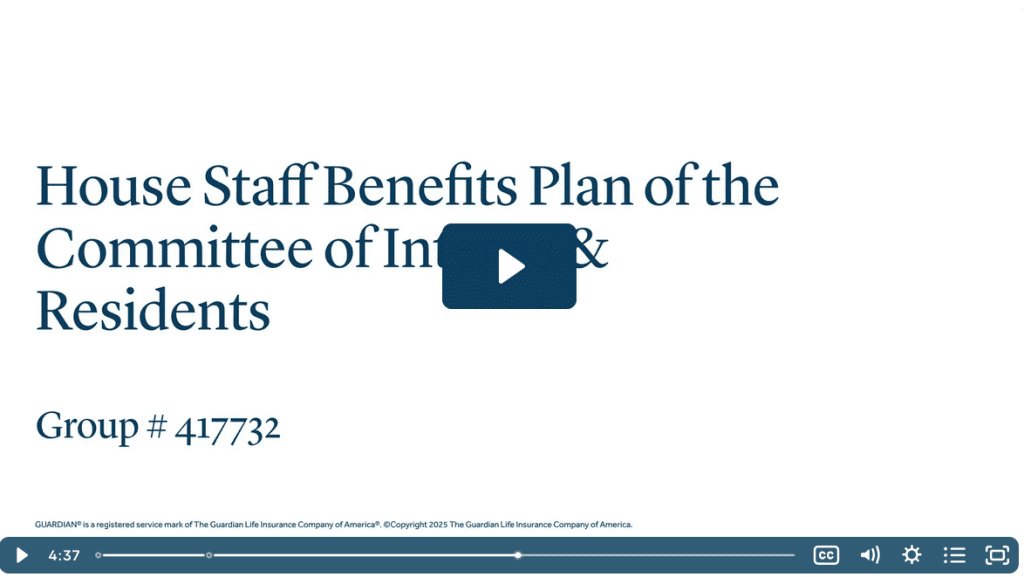
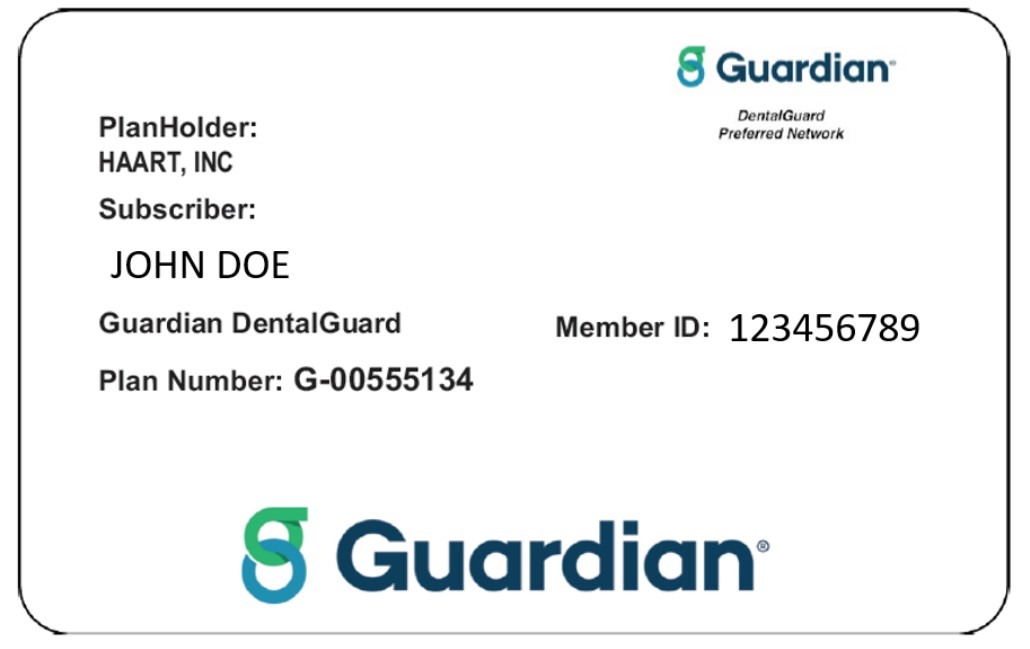
- Download the Guardian APP – view your claims, find a provider and download your ID Card all with the Guardian APP
- This Benefit is insured through HSBP
+ Disability
For purposes of our disability benefits, “disabled” means you can no longer perform the duties of your occupation due to accidental bodily injury, sickness, or a related medical condition, including pregnancy or childbirth. You must also be under the care of a licensed provider as defined by the state in which you work.
2021 Massachusetts Paid Family And Medical Leave (MPFML) – Visit mass.gov/PFML for more information.
- Short-Term Disability (STD) Benefits Claim Form
- Coverage begins on the eighth (8th) day of your disability. The maximum benefit payable is 70% of your weekly salary, up to $875 per week, for up to 26 weeks. See the Summary Plan Description (SPD) for more details.
- If you are going out on a disability leave, contact your employer as soon as possible.
- Long-Term Disability (LTD) Benefits Claim Form
- The LTD plan pays you 70% of your monthly salary, up to a maximum of $3,500 per month. LTD benefits typically start if you are still disabled after 26 continuous weeks. For detailed information on Long-Term Disability see the Guardian Certificate.
- INSMED Portable Disability Coverage – Policies offered to you without any medical underwriting
+ Education
Participants are eligible for up to $3,000 in reimbursement per plan year (July 1-June 30) to cover expenses related to attend a U.S. patient safety event. You must submit at least 6 weeks prior to the conference date.
- QI Training & Education Application Form (for quality improvement and patient safety education events and trainings.
- QI Training & Education Reimbursement Form (for those who have been previously approved for this benefit)
+ Childcare
Backup Childcare Benefit (CARE.COM)
+ COBRA
What is COBRA continuation coverage?
COBRA continuation coverage allows you to choose to continue and pay for group health benefits provided by CIR for up to 18 months after your termination date.
Who is eligible?
You and your dependents covered under the Plan on the day before you terminated from your employer. You will receive a COBRA notice mailed to the address we have on file. This notice has important information about your rights related to continued health care coverage in the House Staff Benefits Plan.
COBRA Election forms:
Your COBRA Election includes Vision and Dental. Please select the Election form (also includes the COBRA Credit Card Authorization Form) to continue coverage:
You have up to 31 days from your date of termination to submit this form directly to Guardian:
+ Employee Assistance Program
Guardian is partnering with ComPsych for your Employee Assistance Program (EAP). The Employee Assistance Program is provided by ComPsych® GuidanceResources® and offers counseling, work-life assistance and crisis intervention services to you and your household family members. Take advantage of this great benefit you can receive 3 free sessions per person, per issue, per year.
Connect to a counselor for free support services: 1-855-239-0743 (available 24 hours a day, 7 days a week).
First-time users:
Go to Guidanceresources.com to reach the website.
- Click the Register Tab.
- Enter your Organization Wed ID (web ID: Guardian) and click the Register button.
- You will then be asked to enter a Username and Password. The Username must be at least six characters long and should have no spaces (for example: joesmith). The Security Questions are meant to prompt you if you forget your password.
Future logins:
You will only need to remember your Username and Password. When you get to step 2 above, instead of clicking on the Register tab, use the login section and enter your Username and Password and click the Login button. This will take you directly to GuidanceResources Online. If you have any problems registering or logging into GuidanceResources Online, email Member Services at memberservices@compsych.com.
+ Appeals
- Appeal Claim Form – Complete this form if your claim was denied in whole or any part or if you disagree with the decision that was made.
Important Links:
Notice of HIPAA Privacy Practices
+ Mental Health Resources
- Mass.gov: Massachusetts Department of Mental Health
- Emergency Crisis Line: (877) 382-1609
- Mass.gov: Mental Health Services for COVID-19

Attention: In compliance with HIPAA regulations, we are using a secure email portal. Please use benefits@cirseiu.org to send secure emails to the Benefits Office.